Migrator

PrestaShop Sylius Migration Tool

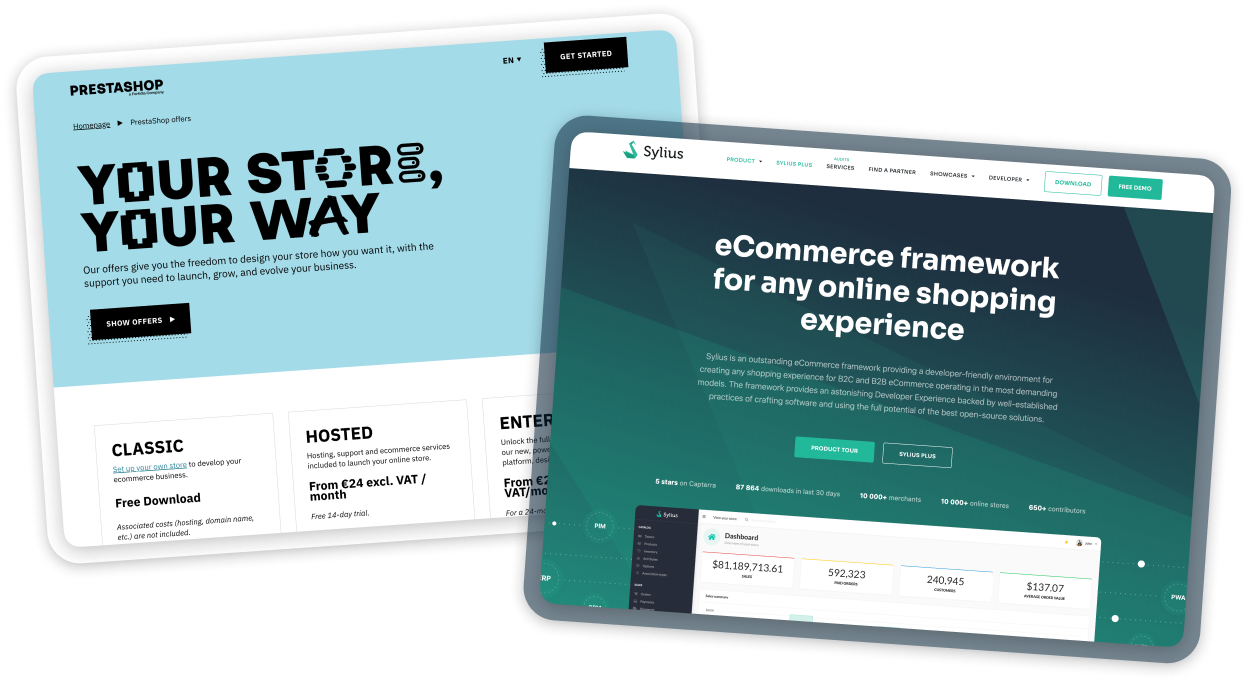
The PrestaShop Sylius Migration Tool is our proprietary solution designed for clients planning to move from PrestaShop to Sylius. The Migrator structures the entire process, minimizes risk, and enables the secure transfer of key data while maintaining store continuity, so that switching to Sylius becomes a real step forward, not a source of uncertainty.
Data you can migrate

assignment

Orders

order numbers
purchased products
payment information
statuses
shipping details
groups

Customer data

demographic
behavioral
personal
grid_view

Product catalog

products and variants
categories
attributes
descriptions
prices
stock levels
media

Benefits of using the Migrator

cycle

Predictable process with reduced risk of errors

database

Data migration without downtime

assignment_turned_in

Better quality control thanks to reports and logs

acute

Shorter transition time to Sylius compared to manual migrations

sync_alt

Secure data transfer and repeatability

Migration is a natural stage in the growth of many eCommerce platforms, especially when the current solution can no longer keep up with business scale, integrations, or performance requirements. Although the process may seem time-consuming and demanding, in practice, when approached properly, it runs smoothly and predictably.

Data migration process

1
Selecting the export scope
In the PrestaShop admin panel, the administrator selects which data should be exported (e.g., product catalog, customers, orders).
2
Running the export
Once approved, the process starts automatically and runs in the background without blocking store operations. Data is processed in stages, ensuring smooth performance even with large volumes.
3
Monitoring progress
The export progress is visible in the panel, allowing you to track the current stage of the process in real time.
4
Generating data files
After the export is completed, separate CSV files are generated for each data area.
5
Report and logs
An export report and a log file with warnings and potential errors are generated, facilitating the next steps of the migration.
6
Importing data into Sylius
The importer accepts the CSV file and imports the data in the background, allowing you to monitor the import progress.
7
Completing the import
The result of the import is a fully populated dataset along with a log file.

When should you migrate

check_circle

eCommerce shifts from being just a sales channel to becoming a core element of your company’s strategy

check_circle

The need for flexibility and custom processes increases

check_circle

Integrations (ERP, WMS, PIM, CRM, etc.) become more important and more complex

check_circle

You need greater long-term control and predictability over platform development

check_circle

PrestaShop starts limiting your growth, even though it previously fulfilled its role

Want to migrate?
Schedule a free consultation

Max file size 10MB (.doc, .docx, .txt, .pdf
Uploading...
fileuploaded.jpg
Upload failed. Max size for files is 10 MB.
Thank you!
Your submission has been received.
Oops! Something went wrong while submitting the form.