


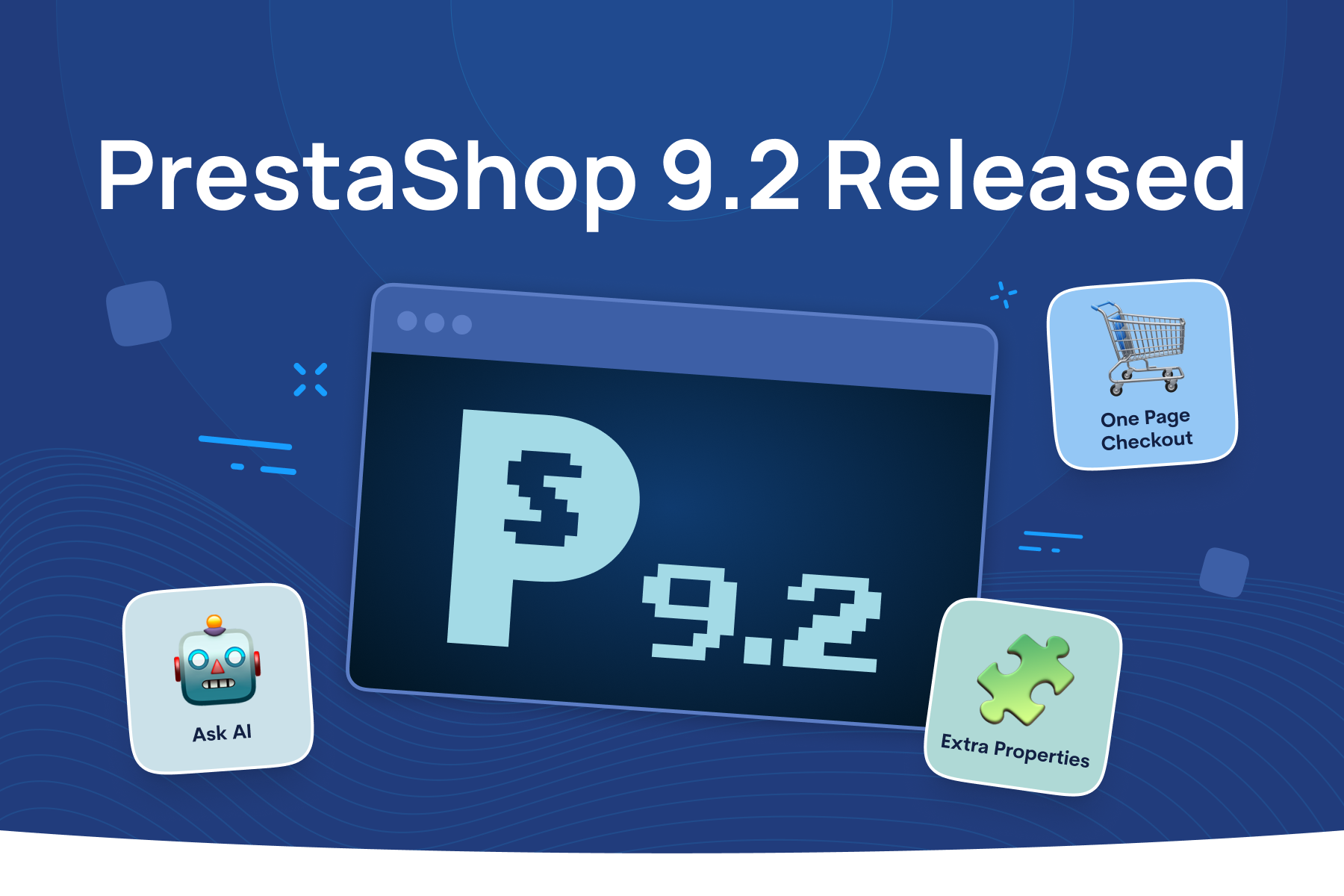
PrestaShop 9.2 is now stable and brings several changes that will be noticeable both in the storefront and behind the scenes. The release introduces a new One-Page Checkout, Extra Properties for custom store data, Ask AI for the back office, and native Klaviyo integration. It also includes a range of improvements aimed at making PrestaShop easier to maintain and extend. Here's what you need to know before upgrading.
A simpler checkout for better customer experience
The biggest change in PrestaShop 9.2 is a new One-Page Checkout. Instead of moving customers through separate pages for contact details, delivery address, carrier selection, and payment, all four steps are now available a single page.
Everything updates through AJAX, so changing an address or switching delivery method no longer triggers a full page reload. Customers can buy as guests with just an email address, and the platform fills in the rest of the order details during the process.
Merchants who prefer the familiar flow don't have to switch. The new One-Page Checkout and the classic four-page checkout are both available, and you can choose between them from Design > Checkout in the back office. Stores running Hummingbird-based themes get the new checkout out of the box. Stores on older, classic themes will need some template work first, so it's worth raising this with your agency or developer if you haven't already.
<div class="rtb-text-box is-blue-50">Read more in PrestaShop’s article</div>
More flexibility with Extra Properties
PrestaShop 9.2 also makes it easier to store information the platform doesn't account for by default. The new Extra Properties system lets developers attach custom fields directly to products, their variants, customers, and orders, without having to build and maintain that database structure manually
For your agency or in-house developer, this removes a recurring source of upgrade headaches. Custom fields built with Extra Properties are registered centrally, with their own data type, default value, and validation rules, and they can be scoped to a single store, translated per language, or shared across the store. They show up automatically in back-office forms and grids, and they're available through the Admin API and in your theme templates, so a developer isn't left rebuilding the same plumbing for every new field.
For businesses, the practical benefit is that requests like adding a custom attribute to a product page, or a new field on a customer profile, become easier, faster tasks instead of ground-up development work. Fewer custom overrides also mean fewer conflicts the next time you upgrade.
<div class="rtb-text-box is-blue-50">A detailed overview of the changes is available in this article.</div>
Ask AI: an AI-enhanced back office
PrestaShop 9.2 introduces Ask AI, a native assistant built into the back office. Once it's set up, you can ask it questions about your store in plain language, things like how many orders are waiting to ship, or which products are out of stock, and get an answer immediately, instead of running a report or clicking through several menus.
Ask AI works with several AI providers, including OpenAI's ChatGPT, Anthropic's Claude, Google's Gemini, and Mistral AI's Vibe, and any other provider, so no store is locked into a single option. It connects through an API key and can switch providers at any point. On product, order, and customer pages, it also suggests relevant questions based on what's currently being viewed.
Ask AI can do more than answer questions. It can also carry out actions, like creating or updating products and orders, but it won't do this without user confirmation. Any change it proposes needs your explicit approval before it's applied, so businesses keep control over what actually happens in your store.
PrestaShop Automation with Klaviyo
PrestaShop 9.2 also comes with PrestaShop Automation with Klaviyo built into the Classic package. Rather than sourcing and configuring a separate marketing automation tool, you'll have the connector already available. Setting it up still takes two steps: installing and activating the module from your back office, then connecting it on the Klaviyo side.
Once it's connected, Klaviyo handles the marketing layer many merchants currently patch together with several tools: automated email and SMS campaigns, audience segmentation, and personalization based on customer behavior. Because the integration ships with the platform, there's less setup work for you or your agency to get email marketing properly connected to your store data.
More stability and easier maintenance
Beyond these headline features, PrestaShop 9.2 continues the platform's move to the Symfony framework, with more back-office pages, including Countries, Merchandise Return, Hook a module, Quick Access, Email body translations, and Tax rules, now rebuilt and marked stable. The migration makes these pages easier to maintain and extend while bringing them onto PrestaShop's modern Symfony-based stack.
The update also adds a handful of practical improvements for anyone managing a store daily. This includes new command-line tools for listing modules and managing admin accounts, refinements to how product quantities are displayed, and extended cart rules. These changes are mostly aimed at making day-to-day store management and development easier, rather than changing the storefront experience directly.
Why should you upgrade to PrestaShop 9.2?
Taken together, these changes address several common challenges in running an online store: reducing friction at checkout, making custom data easier to manage, simplifying access to back-office information, and connecting marketing automation more closely with store data.
Upgrading also keeps the store closer to the platform's ongoing security and maintenance cycle. Every release eventually gets superseded, and the longer a store waits to upgrade, the bigger that jump becomes later. Moving soon after a new release tends to be a smaller, safer step than catching up several versions behind.
{{cta-technology-prestashop="/comp/cta"}}
How to prepare for the PrestaShop upgrade
A few steps will make your upgrade smoother. First, check your theme. Stores using themes built from Hummingbird can use the new one-page checkout out of the box. If you're on an older or classic theme, talk to your agency about the template work it will need.
Second, review your custom modules. If your store relies on modules that store data through custom database tables or core overrides, ask your developer whether moving that logic to Extra Properties makes sense. It isn't required, but it can simplify maintenance going forward.
Third, back up before you upgrade. This applies to every PrestaShop update, but it's always worth repeating: take a full backup of your store and database, and test the upgrade on a staging copy first.
Finally, talk to an agency early. Whether you work with an internal team or an outside partner, give them time to plan the upgrade around your store's specific setup, rather than reacting to it after the fact.
Discover PrestaShop 9.2
PrestaShop 9.2 is here. Explore the new checkout experience, more room to store the data your business actually needs, an AI assistant for your back office, marketing automation that's ready out of the box, and further improvements to the platform's underlying architecture.
<div class="rtb-text-box is-blue-100">Talk to your agency or your technical team about planning your upgrade, and explore what's new for yourself. Discover PrestaShop 9.2</div>